See it in action.
A clean, intuitive interface that guides you every step of the way.
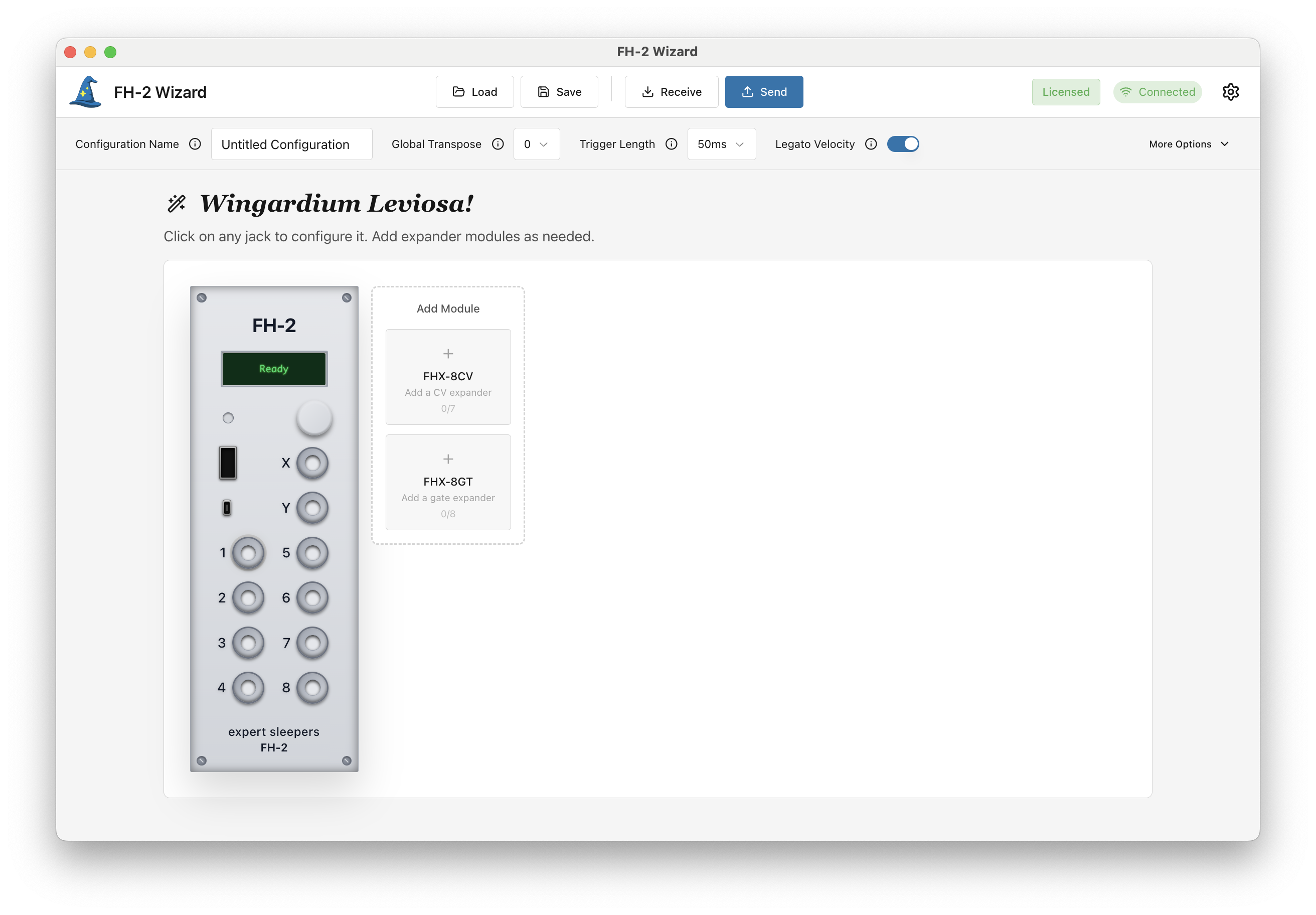
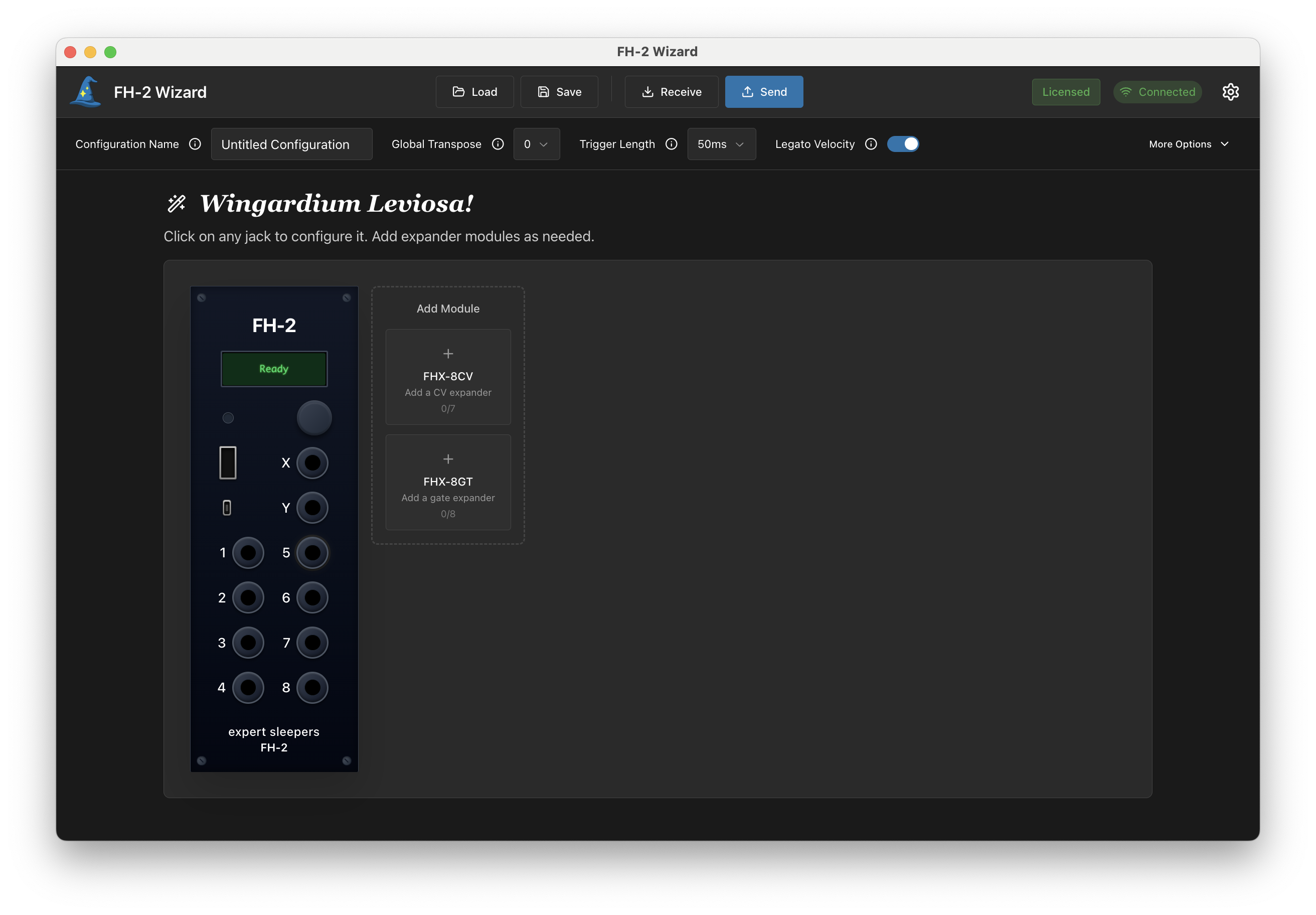
Main Configuration View
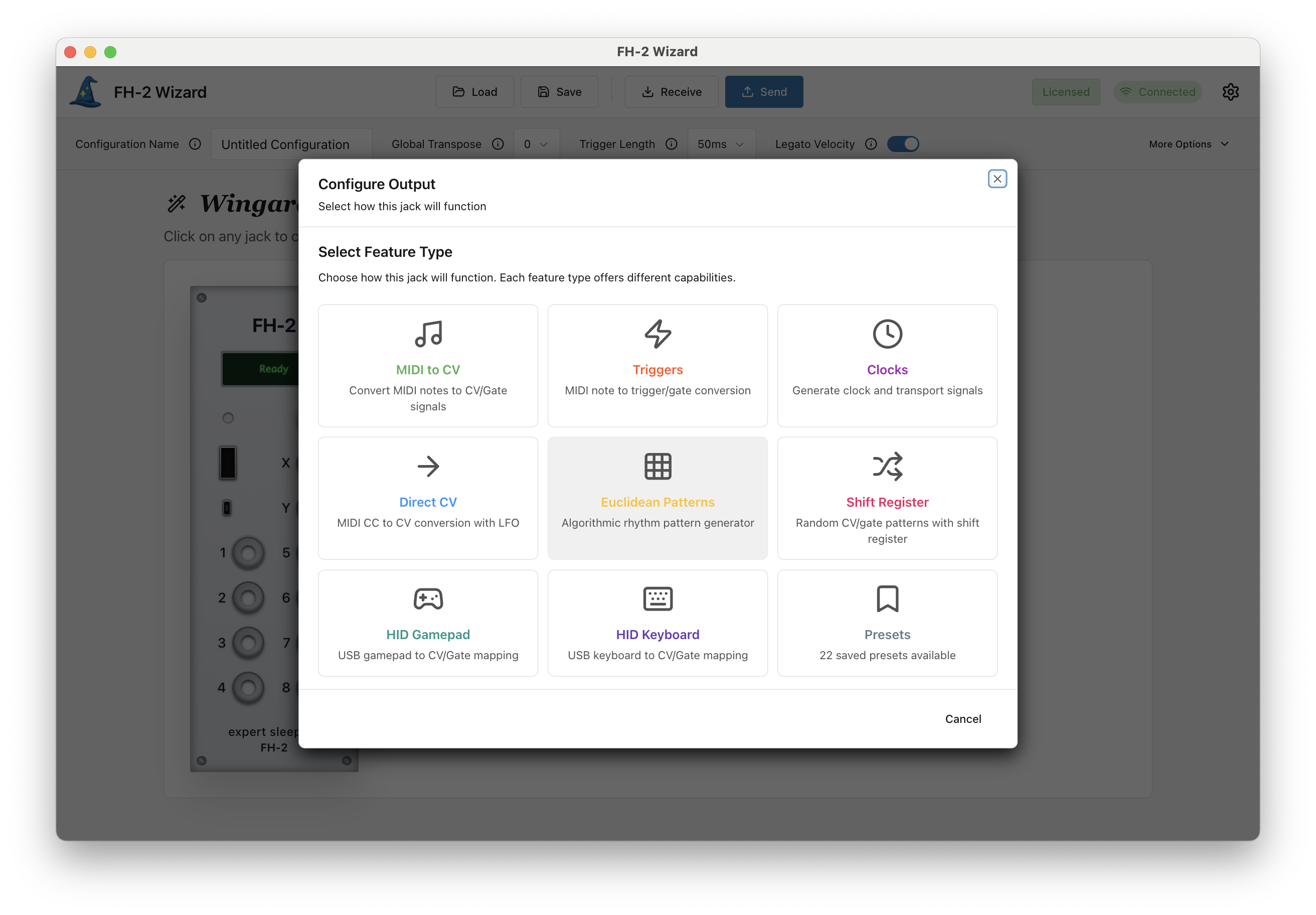
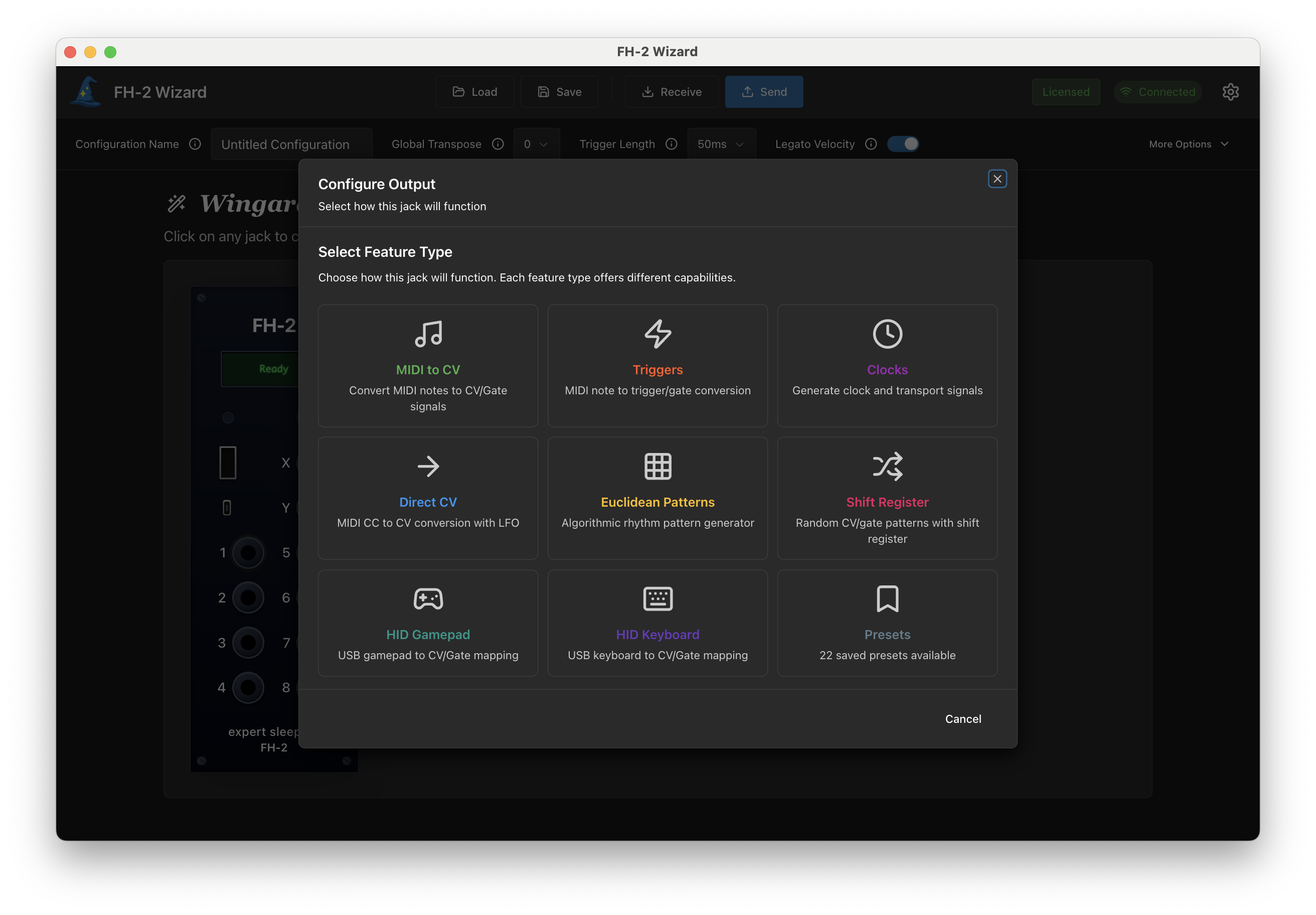
Wizard Setup Flow
Jack-centric configuration. Guided wizard flows. Factory presets for common setups. Finally, an FH-2 interface that makes sense.
The Problem: The FH-2 can do almost anything — MIDI-to-CV, clocks, Euclidean rhythms, shift registers, LFOs — but its official config tool buries those capabilities behind pages of unlabeled parameters with no visual connection to your actual hardware.
The Solution: FH-2 Wizard puts a visual replica of your module front and center. Click any jack to configure it. Choose from eight guided wizard flows — MIDI-to-CV, triggers, clocks, Euclidean patterns, and more — that walk you through setup step by step. Load factory presets for common configurations and customize from there. Add expander modules and drag to reorder them.
Every configuration exports as standard SysEx, fully compatible with the official tool and your hardware.
Everything you need to configure your FH-2, wrapped in a modern UI.
FH-2 Wizard launches in seconds. No waiting, no browser tabs — just open the app and start configuring.
We've rethought the layout. Inputs and outputs are visually in line with the physical hardware, making usage obvious at a glance.
Common configurations are just a click away. Start from sensible defaults for MIDI-to-CV, arpeggiators, LFOs, and more — then customize to taste.
Easily save, load, and organize your configurations on your local filesystem. Build a library of behaviors.
Eight step-by-step wizards for MIDI-to-CV, triggers, clocks, Euclidean rhythms, shift registers, and more. Pick what you want a jack to do and the wizard handles the rest.
Uses the official SysEx protocol. You can even open configs made in the official tool, and vice-versa.
A clean, intuitive interface that guides you every step of the way.
Main Configuration View
Wizard Setup Flow
Stop wrestling with configuration. Start patching in minutes instead of hours.
Have questions or need help? We'd love to hear from you.